Frequently asked
Do I need an S3 account before I install?
No. The onboarding wizard walks you through picking a provider (Tigris is recommended
— 5 GB free, no card required) and links to their signup page. You enter
your access key and secret key once, and Kerveros handles the rest.
What happens if I lose my passphrase?
Your files are unrecoverable. The passphrase derives the encryption key — we
never see it, store it on a server, or have a backdoor. Save it in a password manager
before you upload anything important.
Can my storage provider read my files?
No. Files are encrypted with XChaCha20-Poly1305 before they leave your machine. The
manifest that maps file IDs to file names is also encrypted — the provider
can’t even see what files you have, only opaque blobs.
Can my cloud provider train an LLM on my files?
They can train on what they can read. Kerveros never gives them readable content
— each blob is XChaCha20-Poly1305 ciphertext, and no algorithm
(gradient descent included) extracts useful signal from ciphertext without the key.
If your provider’s terms grant them rights to “use” your content
for “service improvement”, those rights apply to ciphertext —
which is worthless to them.
What about Dropbox Dash, OneDrive Copilot, Google AI search?
Same answer. Those tools index plaintext and metadata: file names, contents,
folder structure, edit history. Kerveros stores files as encrypted blobs with
encrypted manifests — there’s nothing for those tools to index. From
the provider’s side, your bucket is a list of opaque UUIDs. From your side,
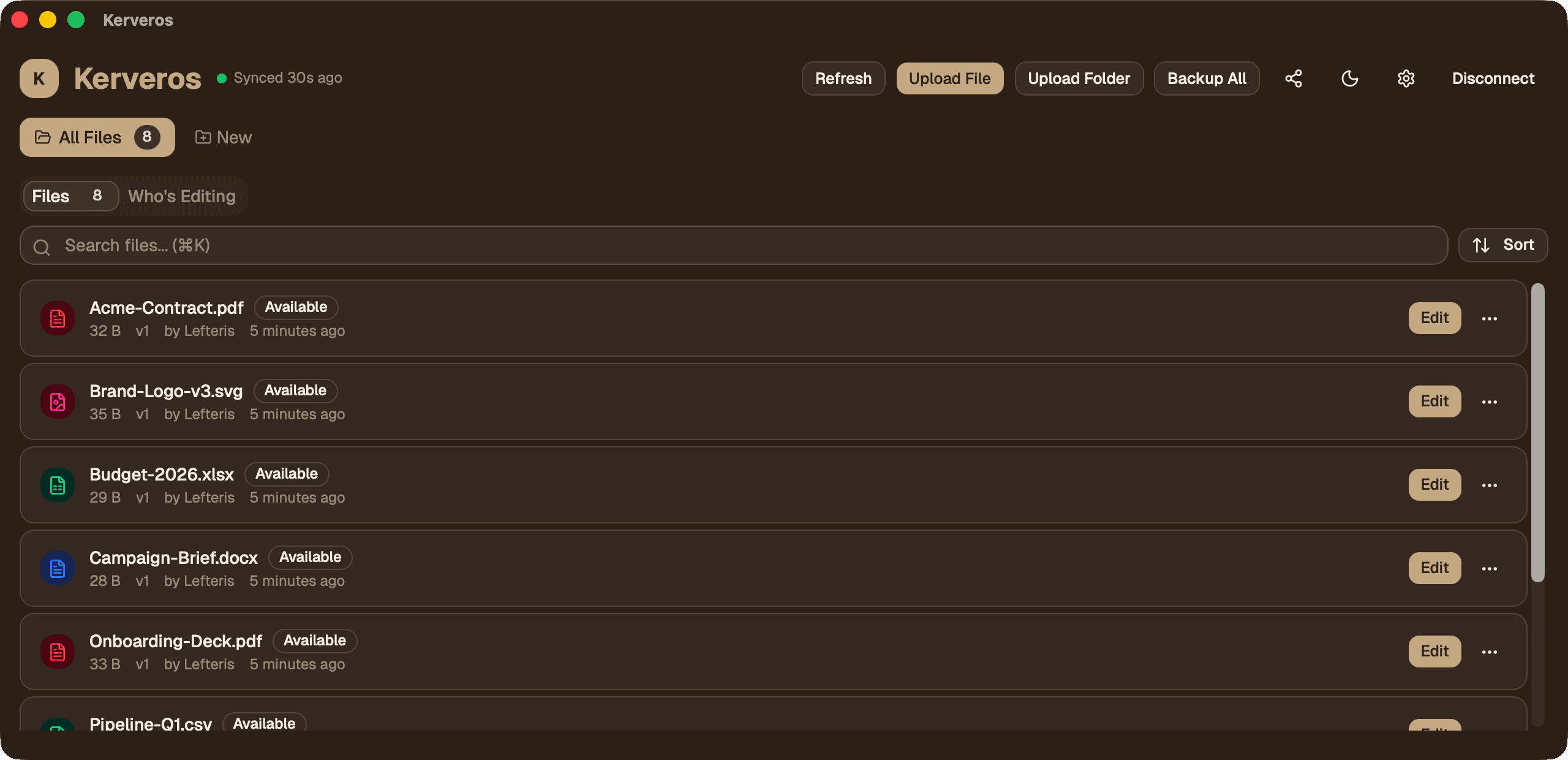
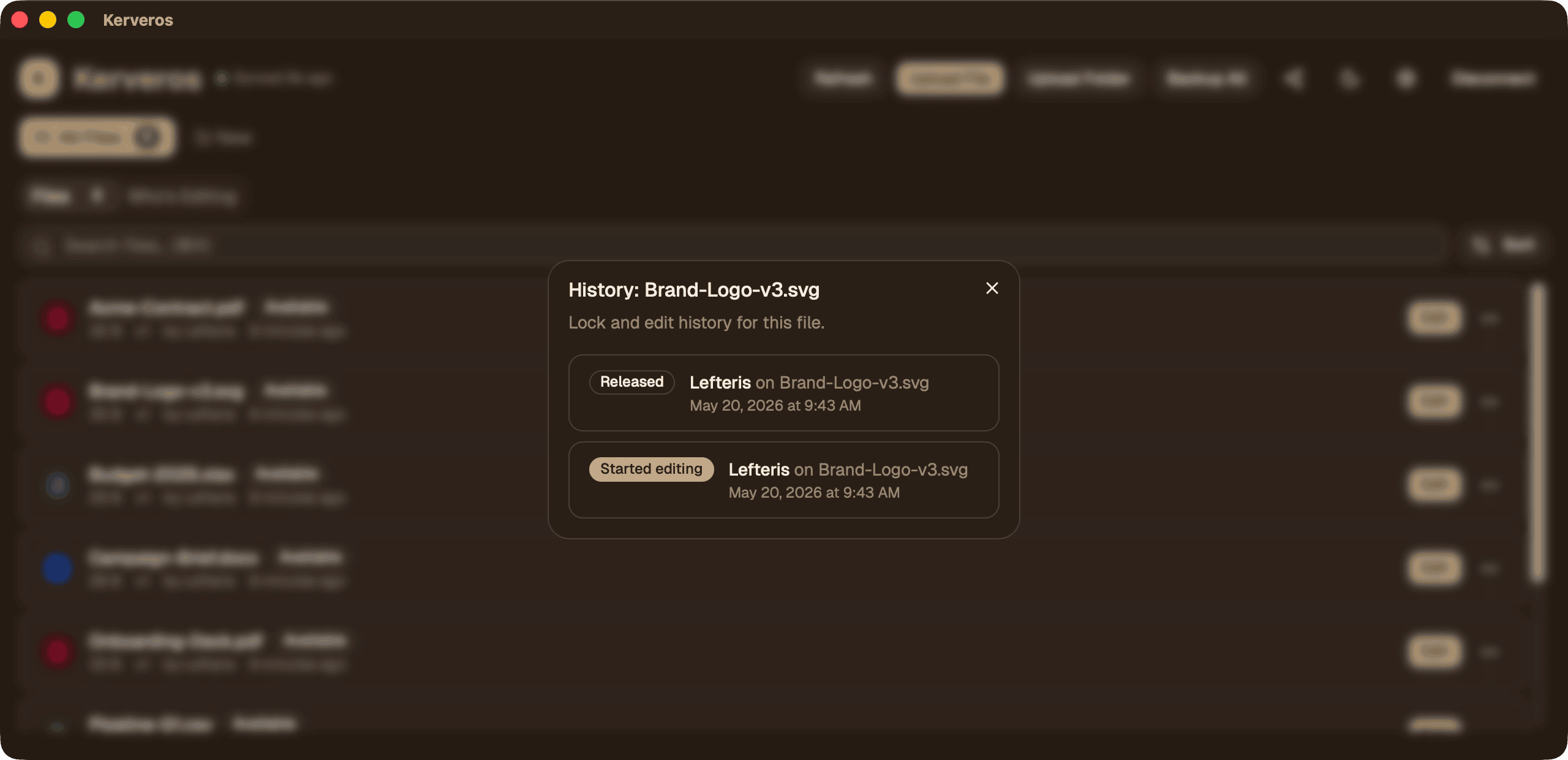
the file browser, lock state, and history all work normally inside the Kerveros app.
Does Kerveros itself use AI on my files?
No. There’s no AI feature, no embeddings pipeline, no “smart search”
that needs to peek at plaintext. The app is a thin client over standard cryptographic
primitives and S3. We don’t see your files; we don’t want to.
EU AI Act / NIS2 / data sovereignty?
Kerveros doesn’t make claims about specific compliance regimes — that
depends on your processes and your provider. But the property those regimes care
about for confidentiality is whether the storage provider has access to ciphertext
only, and that’s exactly what Kerveros enforces. The data sovereignty
question reduces to “where is your bucket?” — and that’s
entirely your choice (EU regions on Tigris, Backblaze EU, or self-hosted MinIO
all work).
What about HIPAA / SOC 2 compliance?
Kerveros is a tool, not a compliance program. Compliance is a property of your
processes and your storage provider. The encryption properties (XChaCha20-Poly1305 +
Argon2id, client-side keys) are appropriate for regulated workflows, but you remain
responsible for the BAA / DPA with your storage provider, your access policies, and
your incident response. We don’t sign BAAs because we never see your data; the
chain of custody is between you and your bucket.
What happens after my year of updates ends?
Nothing breaks. The version you have keeps working forever. Renewing for another
year of updates is €29. Most users renew because security fixes are part of updates.
How are licenses validated?
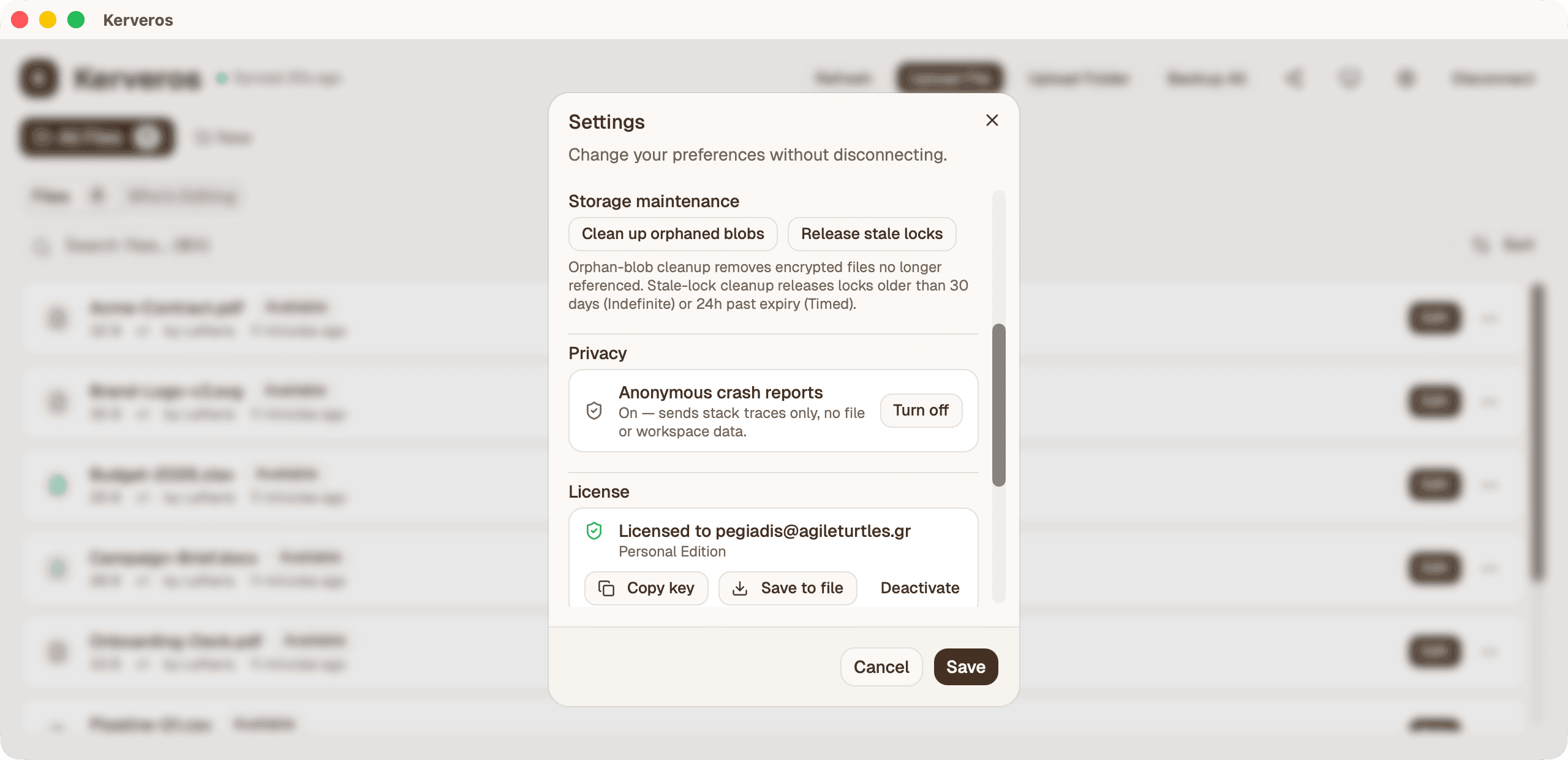
Through Lemon Squeezy, our payment provider. You enter your key once to activate it
online; after that the app re-checks periodically and keeps working offline for up to
two weeks between checks, so a dropped connection never locks you out. A refunded key
stops working. This license check is the only thing Kerveros ever sends to a
server — your files, file names, folder structure, and usage never leave your device.